
What should field employee tracking software record?
Field employee tracking software should connect an explicit work session with the available route, customer visits, tasks, time records and office review. A useful evaluation asks what was actually recorded, who can see it and what happens when permissions, connectivity or device behavior create a gap. A moving dot alone does not answer those questions.
When should location capture start and stop?
Ask the vendor to demonstrate the boundary, not simply describe it. Scootee is designed around an explicit field work session. Device permissions, battery controls, operating-system behavior and the deployed mobile release still affect what can be captured.
Test these states on a representative device:
- The employee is signed in but has not started work.
- The employee starts a session with the required permissions available.
- The device temporarily loses mobile data.
- The employee completes a customer visit and task.
- The employee ends the session.
- The manager reviews the recorded portion of the day.
How should a manager handle missing GPS points?
Treat a location gap as an exception to review, not automatic proof that work did not happen. Indoor sites, tunnels, dense buildings, device restrictions, revoked permissions and connectivity can interrupt the trail. Compare the available route with customer assignments, visit outcomes, task records, expenses, timesheets and employee explanations.
The system should preserve missing data as missing. It should not draw a perfect route that was never captured or present a single coordinate as the complete day.
Which distance method should the product disclose?
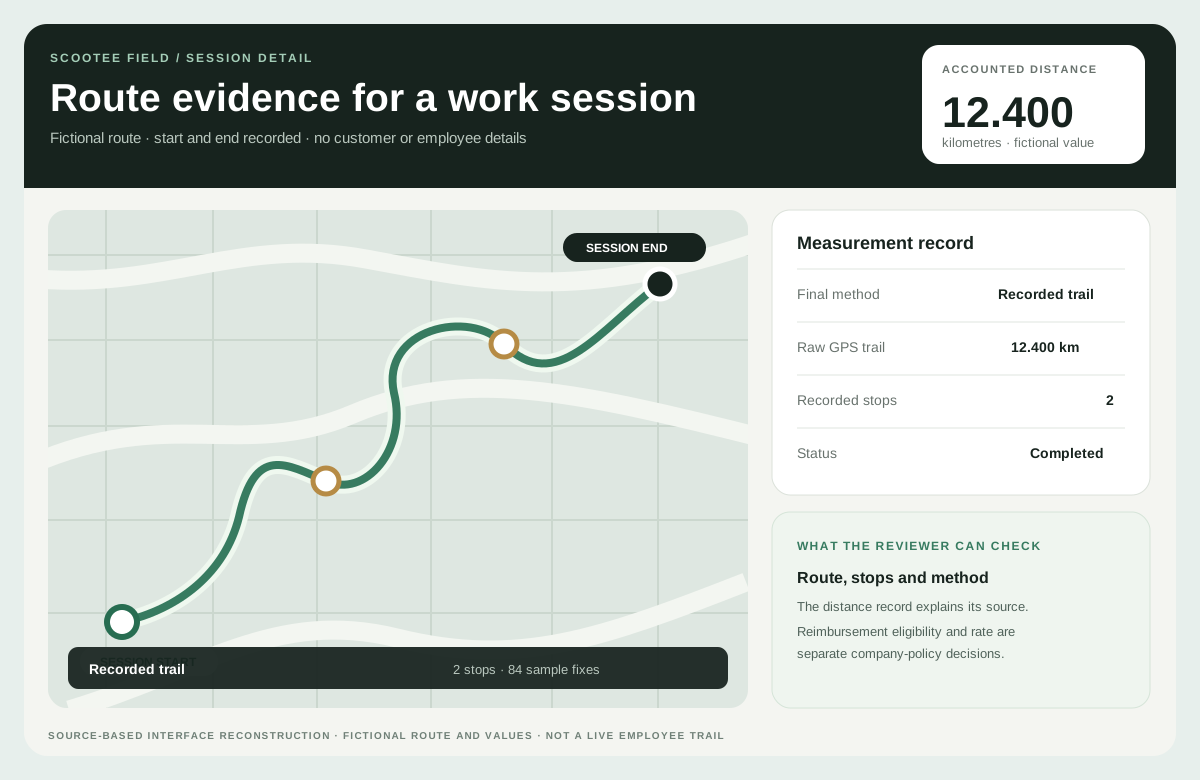
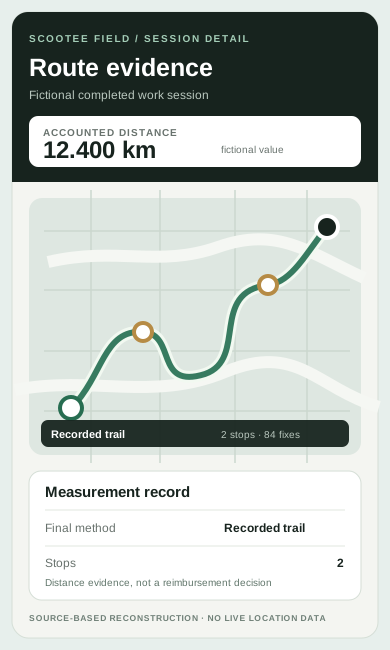
Ask which method produced the number shown to the employee and reviewer. Scootee can retain recorded-trail distance, use a mapping service for an eligible single A-to-B Android leg, accept confirmed odometer evidence or apply a disclosed fallback. A multi-stop loop should not be called road-matched when it was not processed that way.
Inspect Scootee’s distance methods and test a route pattern the team actually drives.
What does “works offline” need to prove?
Test temporary connectivity loss by record type. Eligible records can queue and synchronize later, but platform and workflow coverage differ. Check session points, expense records, receipt uploads, visits and status changes separately. A failed receipt upload should not appear as a successful expense submission.
How should manager access be limited?
Use two managers from different branches or departments in the acceptance test. Confirm organization, branch, department and role scope in the data result, not only in the navigation. Then inspect how corrections, reviews and administrative actions retain actor and timing context.
Are Android and iOS workflows identical?
Do not assume parity. Scootee maintains native Android and iOS codebases. Android currently demonstrates broader workforce coverage; iOS demonstrates tracking, history, claims and profile surfaces. Confirm store or managed-distribution availability, supported versions, permissions and required features for each platform.
Field tracking evaluation checklist
- Demonstrate the start and end of the work-session boundary.
- Interrupt permissions and connectivity and inspect the visible result.
- Show the method behind each distance value.
- Compare the employee, manager and report views of the same session.
- Connect one customer visit, task and expense to the day.
- Run a branch or department access test with an unauthorized user.
- Record the supported Android and iOS workflow separately.
- Agree how employees can explain or correct an exception.
Evaluate the mobile workforce management workflow or bring one representative workday to a walkthrough.