
What should field expense management software do?
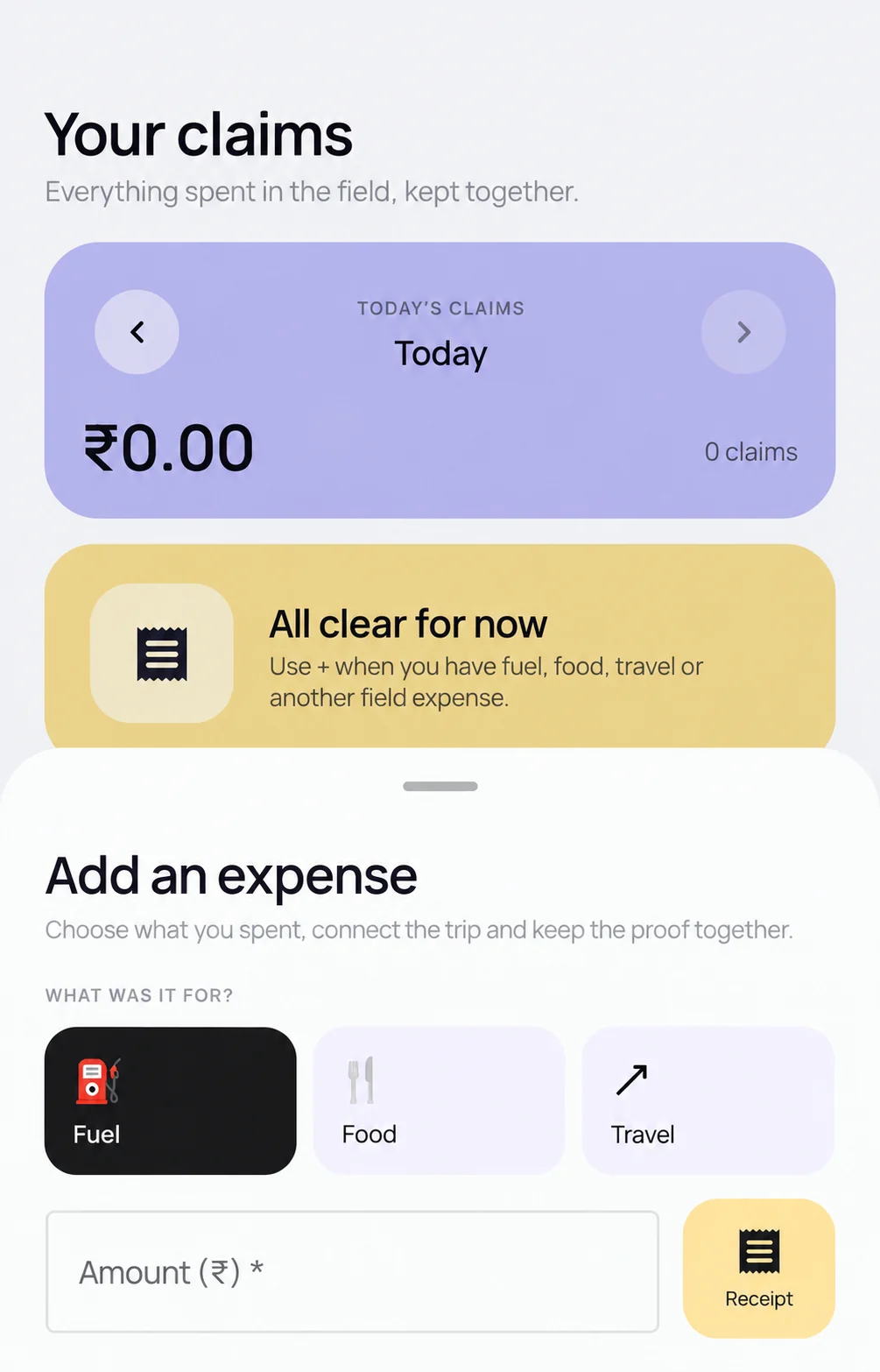
Field expense management software should help a mobile employee create a structured claim and help an authorized reviewer decide what happens next. The evaluation should cover the receipt, employee, business purpose, available field context, review decision and downstream finance handoff. Receipt capture by itself is not expense control.
What makes a field claim reviewable?
A reviewable claim can contain:
- Employee and organization identity
- Expense date, amount, category and notes
- Receipt or required supporting document
- Available session, trip, customer or task context
- Review status, supplied reason and decision history
Scootee supports mobile expense entry, employee expense reports, receipt capture, and authorized approve-or-return decisions. Evaluate these as one employee-to-office workflow, using your own reporting period, expense categories, and reviewers.
How do expenses, reports, and advances fit together?
| Record | What it explains | What finance checks |
|---|---|---|
| Expense entry | One business cost, its category, purpose, amount, and receipt | Is this cost complete and eligible under company policy? |
| Employee expense report | The entries submitted together for review | Does the report explain the period or business trip? |
| Business-trip advance | The amount requested, approved, and recorded as disbursed | What did the employee actually receive before the trip? |
| Review decision | The authorized outcome and supplied reason | Which claims were approved or returned, and why? |
| Settlement | The finance process after review | What has actually been paid or reconciled? |
An approved advance is not necessarily money already received. Use the recorded disbursement when reconciling post-trip expenses, and keep the settlement record separate from the expense approval.
Which employee-to-office workflow should you test?
- Create the claim. Choose an available organization category and enter the required details.
- Attach the evidence. Add the receipt or supporting document and make an upload failure visible.
- Build and submit the report. Include several expense entries. Confirm the employee can distinguish queued, uploaded and ready-for-review states without creating a duplicate.
- Review the context. Let an authorized reviewer inspect the claim, receipt and relevant work or travel record.
- Approve or return. Record the reviewer, time and supplied reason.
- Prepare the handoff. Show which approved fields reach the customer’s finance process and what remains outside Scootee.
How should route context affect an expense decision?
A route or distance record can help explain a fuel, toll, parking, conveyance or mileage claim. It does not automatically prove eligibility. Ask which distance method produced the related value and keep the route evidence separate from company policy and the reviewer’s decision.
Review the disclosed distance methods before treating a travel total as evidence.
Which policy controls need end-to-end proof?
Evaluate the rules employees and reviewers actually encounter: which expense categories are available, when receipts are required, who can make a decision, and how an incomplete claim is returned. Test each important rule with representative employee and reviewer accounts.
Ask:
- Who can create, view, approve, return, edit or export the claim?
- Which fields and receipts are required for each category?
- Which checks run before submission and which remain reviewer guidance?
- How are duplicates, corrections and missing documents handled?
- Which eligible records can queue during temporary connectivity loss on Android and iOS?
- Which system owns payment, tax treatment and accounting posting?
What does Scootee not replace?
Scootee is not a general ledger or banking service. It can prepare structured field expense records and review decisions for downstream work. Statutory treatment, reimbursement policy, payment and external accounting integration remain part of the customer’s process and commercial scope.
Field expense evaluation checklist
- Run one complete claim from mobile entry to office decision.
- Break a required receipt upload and inspect the employee-facing state.
- Test an authorized reviewer and an unauthorized employee.
- Return a claim with a specific reason and inspect the retained history.
- Compare claimed, approved and settled states rather than treating them as one status.
- Match the approved export or report with the system that receives it.
Evaluate field expense management software, review the approval workflow or use the field expense report template. For the operating steps after choosing software, follow the employee expense reimbursement process.