
A total arrives without the evidence
The employee sends an amount, while the receipt, customer purpose, and travel details sit elsewhere. Accounts cannot explain what it is approving.
Expense approval software
Review receipts and business purpose, approve eligible employee claims, and return incomplete submissions with a reason employees can act on.
Overview
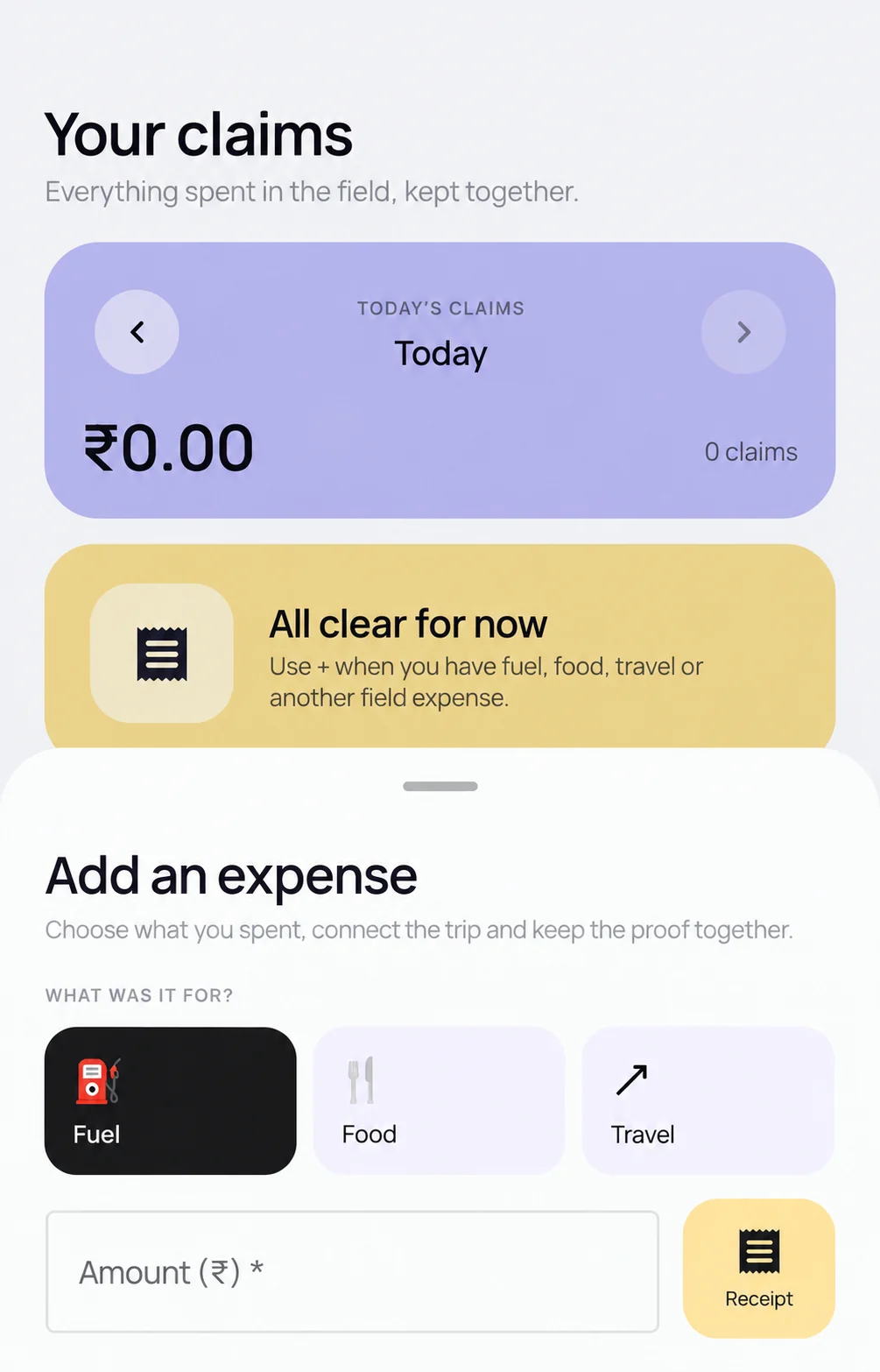
Scootee expense approval software gives accounts a queue of submitted employee claims with amounts, receipts, business purpose, and available trip or work-session context. Authorized reviewers can approve a claim or return it with a reason and retain the decision history. Business-trip advances have separate manager and accounts review stages. Payment follows the organization’s finance process.
Inside the reviewer workflow
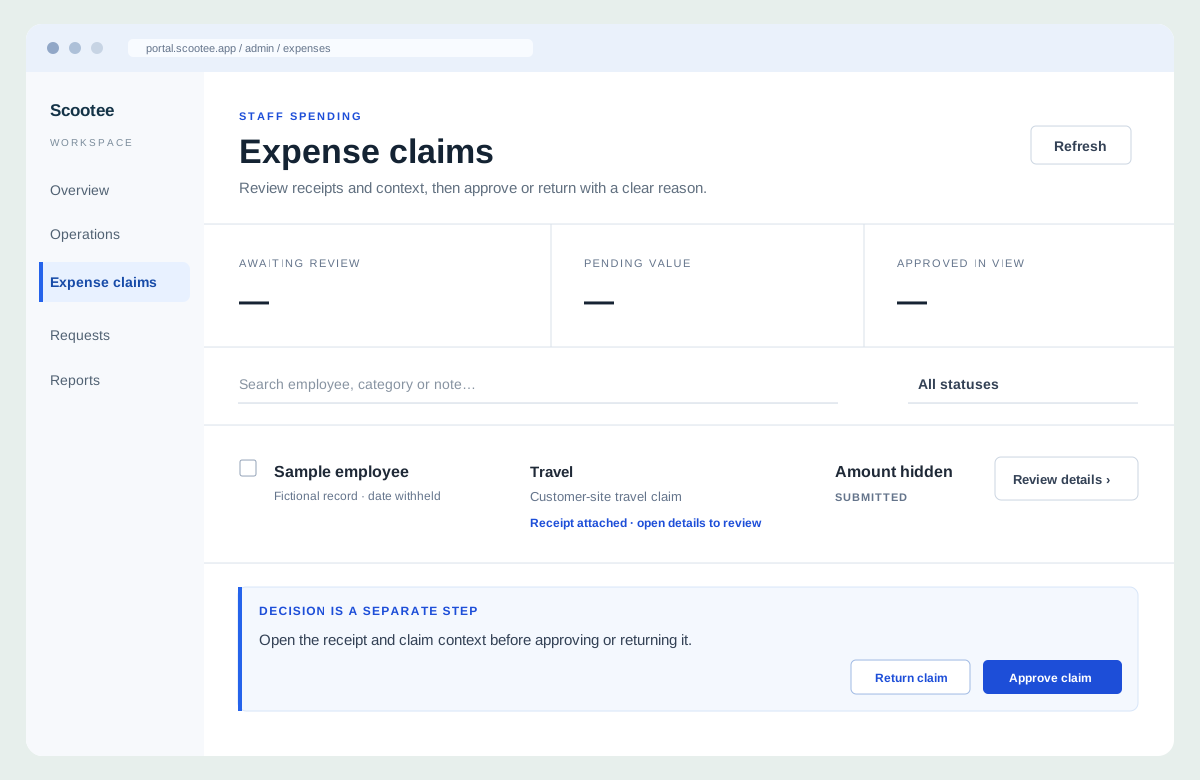
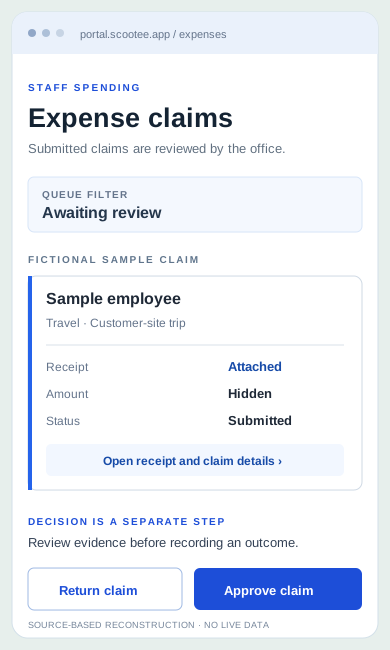
The Scootee admin portal provides an expense queue with employee, category, note, amount, status and receipt access. An authorized reviewer opens details before approving or returning a reviewable claim with a reason.
Search and filter submitted claims by employee, category, note or status.
Open the claim, receipt and business purpose before making a decision.
Keep the reviewer outcome and reason separate from settlement or bank payment.
The admin workflow was verified in the signed-in portal and source in October 2026. The reconstruction contains no employee records. Payroll and payment execution are outside this screen.
The operational friction
The employee sends an amount, while the receipt, customer purpose, and travel details sit elsewhere. Accounts cannot explain what it is approving.
A vague rejection leaves the employee guessing what is missing. Reviewers need a clear reason associated with the claim, not a separate chat thread.
A manager approves a trip advance, but accounts still needs to review the amount and record any release. Combining those stages hides the actual balance.
How it works
Keep the receipt, claim details, reviewer decision, and return reason in the same review workflow so employees and accounts can follow the outcome.
Find pending or submitted employee claims by employee, category, note, or status within the reviewer’s organization scope.
Inspect claim items, amounts, attached receipts, and the stated purpose. Use available session or trip context where relevant; movement alone does not establish an eligible expense.
An authorized Expenses administrator can approve a reviewable claim or return it with a required reason. Explain the missing evidence or policy issue so the employee knows what needs attention.
The review records the outcome, reviewer, time, and supplied comments in approval history. Related employee requests can retain status changes and conversations in their own workflow.
Separate approved claims from payment status. For supported business trips, distinguish manager review, accounts review, recorded disbursement, submitted expenses, and the remaining balance.
Fictional workflow example
A field employee submits parking for a customer appointment. The reviewer checks the evidence before choosing an outcome; uploading a receipt is not itself approval.
Fictional decision example, not a product screenshot, customer result, or promise that a returned claim is automatically reopened. Company policy determines eligibility.
Product capability index
Find submitted claims by employee, category, note, or status, then open the record that needs a decision.
Review submitted items and attachments together instead of approving from an unexplained total.
Approve an eligible claim or explain what is missing when returning it from the expense review queue.
Expense review requires the appropriate product-administrator access within the organization. Employee submission access is not approval authority.
Supported trip workflows keep requested, manager-approved, accounts-approved, and disbursed amounts separate. Recording a release is not executing a bank payment.
Pilot success measures
Questions for your evaluation
Questions / answers
No. Capture collects a claim and evidence. Approval is a later decision by an authorized reviewer. Scootee supports both, with a claim-review queue and recorded outcomes.
Employee claims support authorized approval or return with a reason. Business-trip advances have separate manager and accounts review stages. Match each claim type and required approval route to the organization’s configuration during rollout.
The claim review retains the decision outcome, reviewer, time, and supplied comments. A return reason explains what needs attention. Payment and settlement records remain separate from the approval decision.
Approval does not establish payment execution. Supported trip workflows can record a disbursement and reference; bank transfers, payment providers, and reconciliation requirements need a separately agreed process.
This workflow is for employee claims and supported requests, not a promised accounts-payable invoice system. Confirm US currency, finance mapping, payroll, tax, and legal requirements separately; no compliance guarantee or universal accounting connector is implied.
Bring one real workflow
Bring one complete claim and one missing receipt. Follow the accounts decision, the employee status, and the finance handoff in a Scootee walkthrough.