
A distance total without a business purpose
The reviewer cannot tell which customer, task, or trip created the claim.
Mileage reimbursement software
Review business travel with the original work session, distance method, route quality, customer purpose, related expenses, and advance record.
Overview
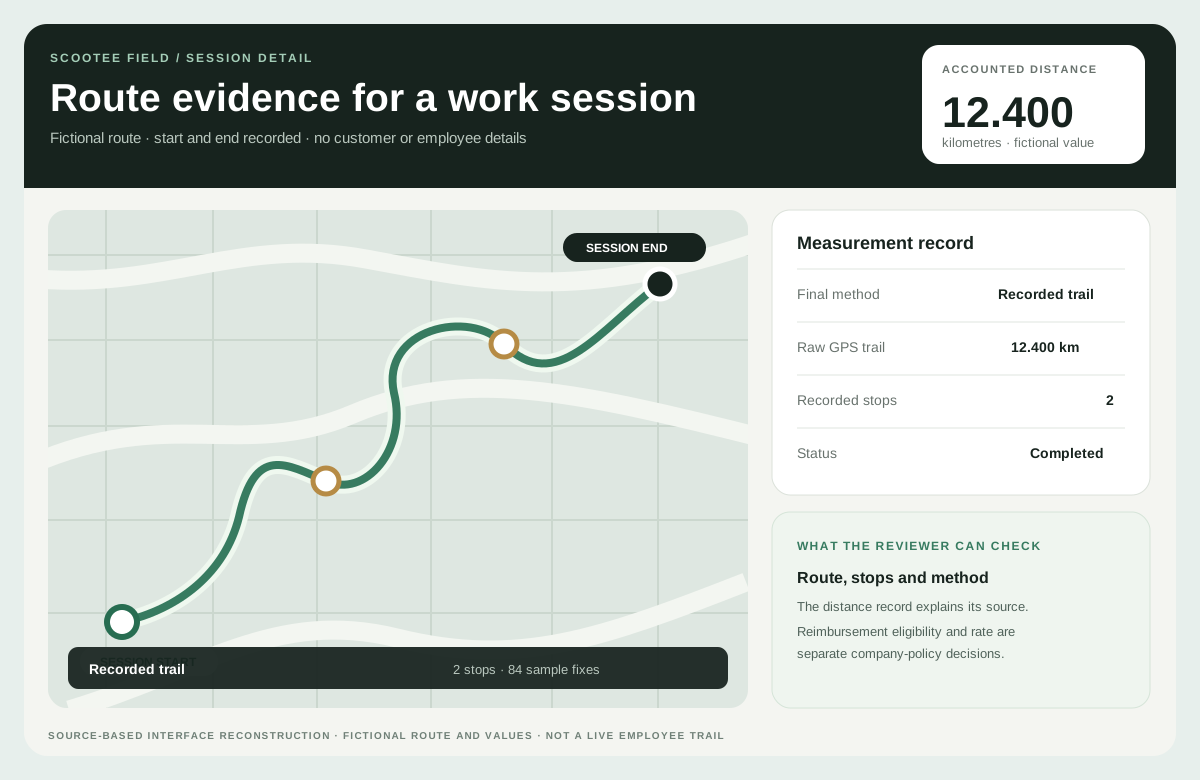
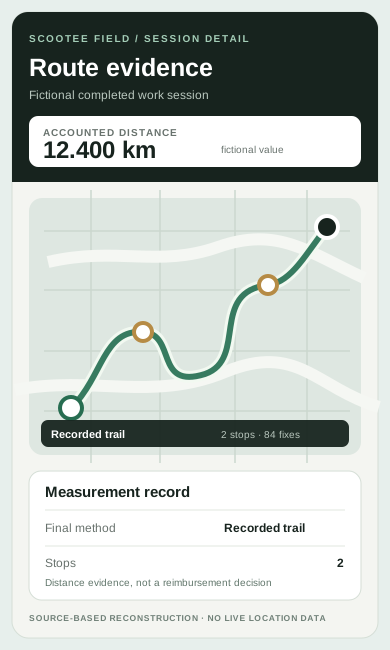
Mileage reimbursement software helps employees document business travel and helps reviewers inspect the trip before applying company policy. Scootee connects the work session, recorded route, finalized distance method and quality, customer purpose, expenses, and supported advance records. It does not automatically determine US tax treatment, move money, or convert every trip into a payable claim.
Two records, one review
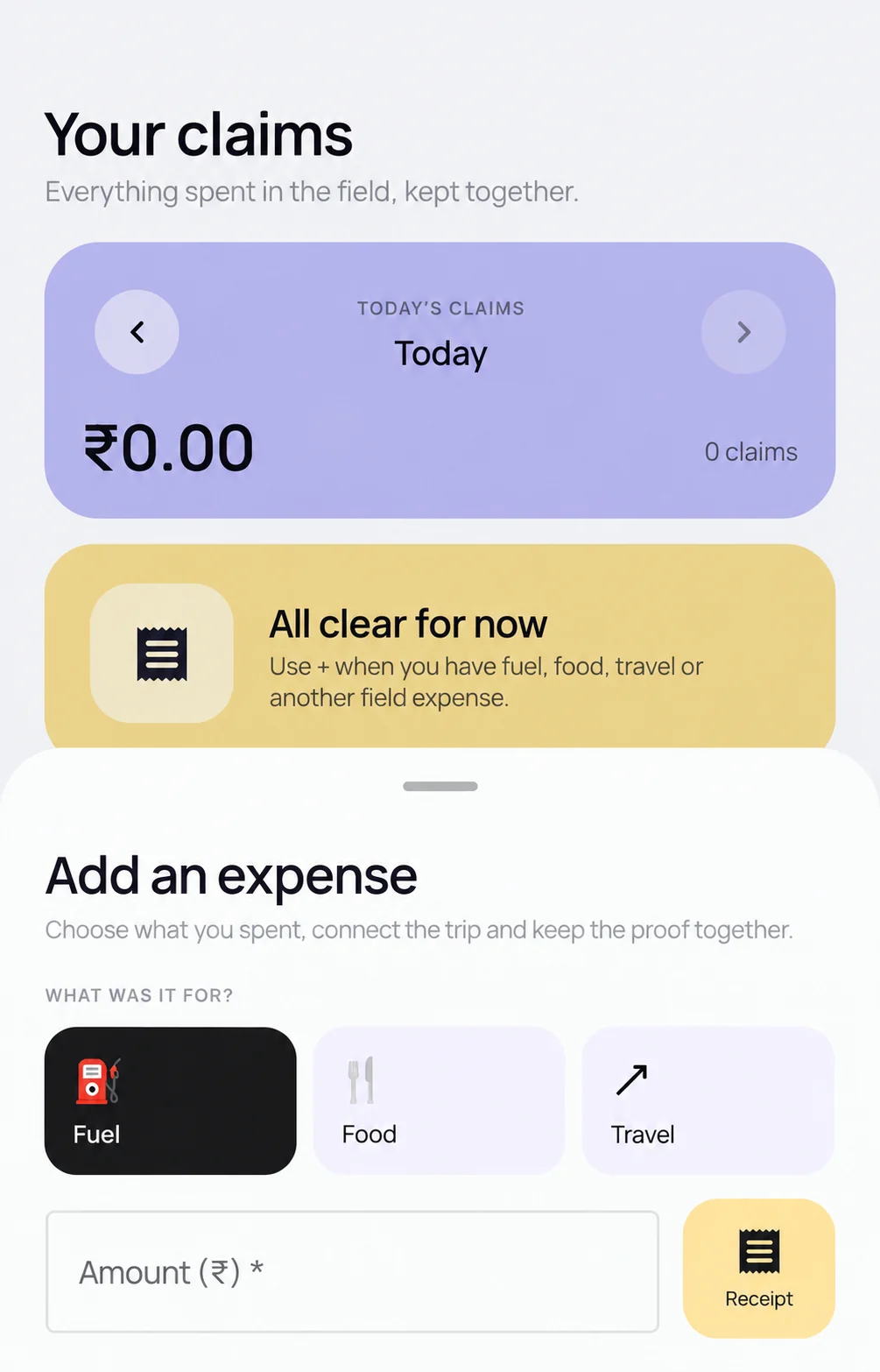
Scootee records a work-session distance and supports separate mobile expense entry. A reviewer still needs the business purpose, route quality, company policy and any related receipt before approving an eligible amount.
Inspect the recorded work session and disclosed final distance method.
Connect travel to the relevant customer, task or business trip.
Apply company eligibility and rate rules; keep approval distinct from payment.
The route review is a fictional source-based reconstruction; the Android expense view is privacy edited and uses INR. Current distance records and conveyance exports use kilometres. Native US miles, USD reimbursement and IRS treatment must not be assumed.
The operational friction
The reviewer cannot tell which customer, task, or trip created the claim.
Mileage, fuel, parking, receipts, and trip records are harder to compare when each reaches accounts through a different channel.
Accounts cannot see how an advance affects the final amount or whether a claim has been reconciled.
How it works
Follow the employee action, the available supporting records and the review decision. Confirm your configuration in a demo.
The employee starts an explicit field session that can capture the available route, stops, visits, and travel evidence.
Give the reviewer the employee, dates, business purpose, distance, and supporting expenses—not only a mileage number.
Inspect the available trail, final distance method and quality, customer purpose, and related costs before applying company policy.
Use the approved report and advance actually received to establish the amount due to the employee or to reconcile back to the company.
Keep approval, settlement status, and exported records distinct. Confirm external payment and US tax requirements separately.
Fictional workflow example
Keep the route record, the business purpose, and the reviewer’s decision separate so the claim can be explained later.
Fictional workflow example, not a product screenshot or a mileage-accuracy claim. Recorded movement supports review; it is not an automatic reimbursement or tax decision.
Product capability index
Inspect the recorded session, available route, trips, stops, finalized distance, method, and quality.
Review customer activity alongside travel rather than assuming movement proves a completed visit.
Capture supported receipts, categories, amounts, and business context in the employee workflow.
Keep the employee submission and authorized review history separate so corrections can be explained.
Supported trip workflows keep requested, manager-approved, accounts-approved, and recorded disbursed amounts separate for later reconciliation.
Use reviewed records for finance processing; do not assume automatic US banking, tax filing, or a connector to every payroll provider.
Try the arithmetic / illustrative worksheet
Enter amounts already approved under your company policy. The starting $0.60 rate is an example—not an IRS rate or a legal requirement. Inputs stay in this browser and are not submitted to Scootee.
Changing units relabels the inputs; it does not convert distance or your policy rate.
Distance × policy rate + approved expenses − advance received. Approval and payment remain separate steps.
Check your policy before claiming fuel and a mileage allowance for the same travel. This worksheet does not decide expense eligibility, tax treatment, wage obligations, or payment execution.
Pilot success measures
Questions for your evaluation
Questions / answers
No. Recorded distance is supporting evidence. Your company policy and reviewer determine which travel and amounts are eligible, subject to applicable requirements.
No. Scootee provides operational records and review workflows, not a tax or legal compliance guarantee. Confirm substantiation, rate policy, and tax treatment with qualified advisers.
Supported trip workflows keep the requested advance, manager and accounts decisions, recorded disbursements, and submitted expenses distinct. Bring your actual approval, payment, and reconciliation process to a walkthrough to confirm the required handoff.
The current conveyance export uses kilometers, an INR-per-kilometer rate, and INR amounts. A US rollout must confirm the required miles conversion, currency and company-policy rate setup, and finance export mapping before go-live. Do not assume native miles/USD output or a ready-made US payroll connector; the website calculator is a separate illustrative worksheet.
No. It uses an explicitly illustrative company-policy rate that you can change. It is a local arithmetic worksheet, not a submitted claim, legal rate table, or tax calculation.
Bring one real workflow
Bring one example of your current process. Check employee capture, office review, exceptions and the handoff your team needs.